Thursday, February 1, 2018

How do I solve a handshake error?

I downloaded pdanet+ to share an Android's Internet with a Dell Inspiron. The PC kept saying that I should use the tray icon, but that didn't help. I went around and around with it. When I finally gave up, I was informed of a "handshake error". What is this and how do I fix it?


from Windows Central Forums http://ift.tt/2nAFxU6
via IFTTT

How to get ready for Super Bowl LII with Windows 10 and Microsoft

Super Bowl Sunday is just around the corner, and whether you're watching the game or the commercials, you'll want to be ready for the party.

The Super Bowl is one of the most anticipated events of the year and in addition to making sure your TV is big enough to show off the action, there are some ways you can prepare for the game with Windows 10 and other Microsoft-related products.

Full story from the WindowsCentral blog...


from Windows Central Forums http://ift.tt/2nAFeIW
via IFTTT

annoying screen popups from taskbar

almost everytime i move the mouse lower than the top half of the open page window of all open files and pages will pop up in the middle of the screen. Clicking on it makes it go away but it comes right back if you try to move the mouse down or move it fast. I am running windows 10 and have all updates for W10


from Windows Central Forums http://ift.tt/2FA327s
via IFTTT

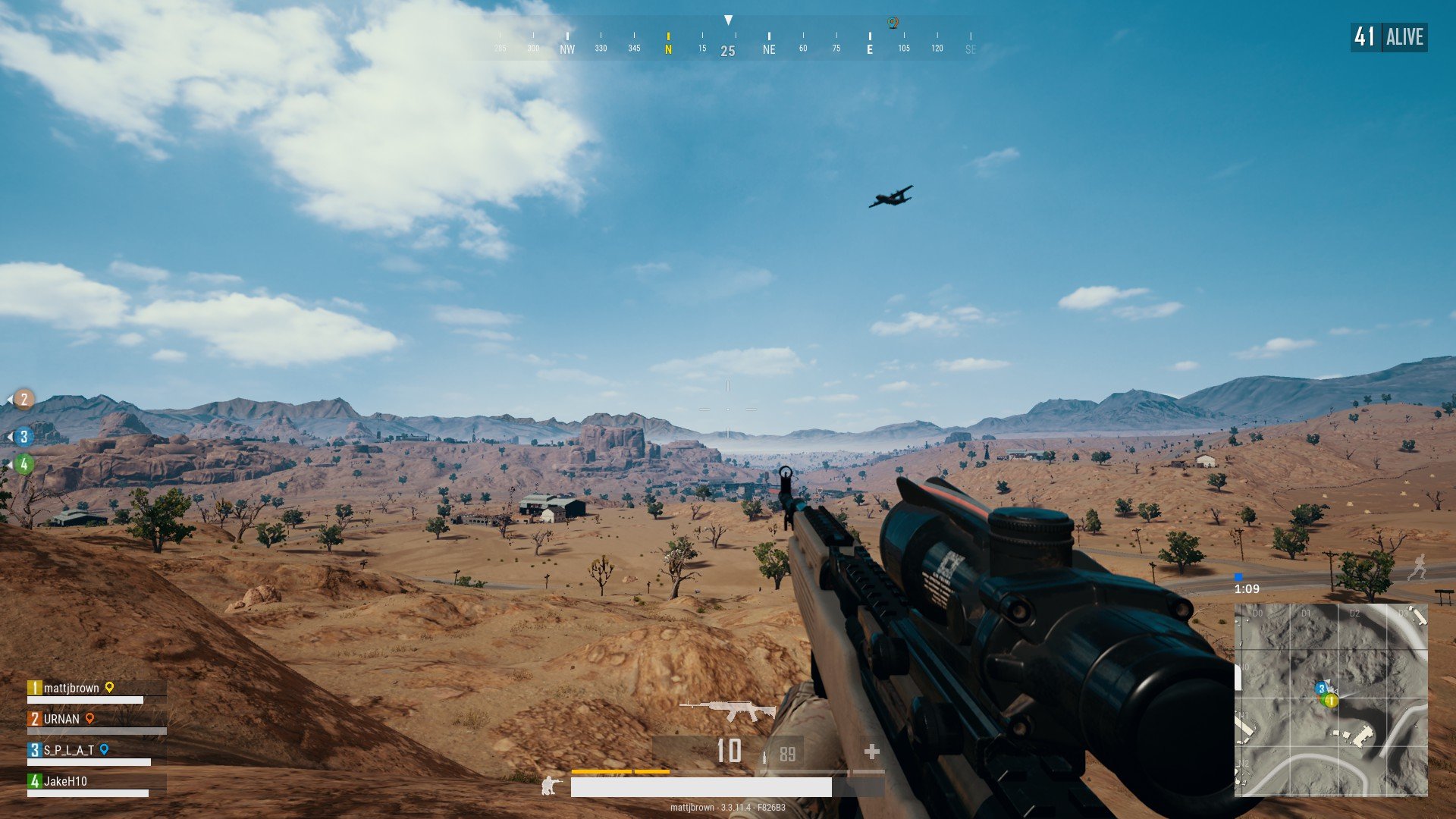
PlayerUnknown's Battlegrounds (PUBG) could become a great esport, but not today


It's hugely popular, but the push from PlayerUnknown's Battlegrounds' developer to make it an esports title is premature.
PlayerUnknown's Battlegrounds (PUBG) has become incredibly popular on PC, even managing to take the most-played slot from CS:GO, but the team behind it wants to take it to the big stage in esports. Thing is... it's not quite ready for the big audience. It's a good game, but it requires further optimization and development and isn't yet where it needs to be for the world of esports. That's not to say it'll never get there, but there's still work to do.

Full story from the WindowsCentral blog...


from Windows Central Forums http://ift.tt/2E7HtxY
via IFTTT

Anker is offering a variety of its Bluetooth speakers for up to 43% off

Prices are only good for one day!

There are three different versions included in this sale, and you can't go wrong with grabbing any of them. The most affordable is the Anker SoundCore mini, which is down to $16.99 from $29.88. It offers 15 hours of playback time and in addition to Bluetooth, it accepts a microSD card or an Aux cord. It's small and portable, but only the black version is on sale today.

Full story from the WindowsCentral blog...


from Windows Central Forums http://ift.tt/2E8kByj
via IFTTT

Elgato Green Screen review: Exactly what serious game streamers need


Elgato makes it more convenient than ever to use a green screen in your streams. This is the one to get.

If you're into streaming, one sure-fire way of upping your broadcast quality is by using a green screen. All of the popular software for streaming, including OBS and XSplit, support chroma key background removal. But for that you need a solid single-color background.

Full story from the WindowsCentral blog...


from Windows Central Forums http://ift.tt/2FAkubW
via IFTTT

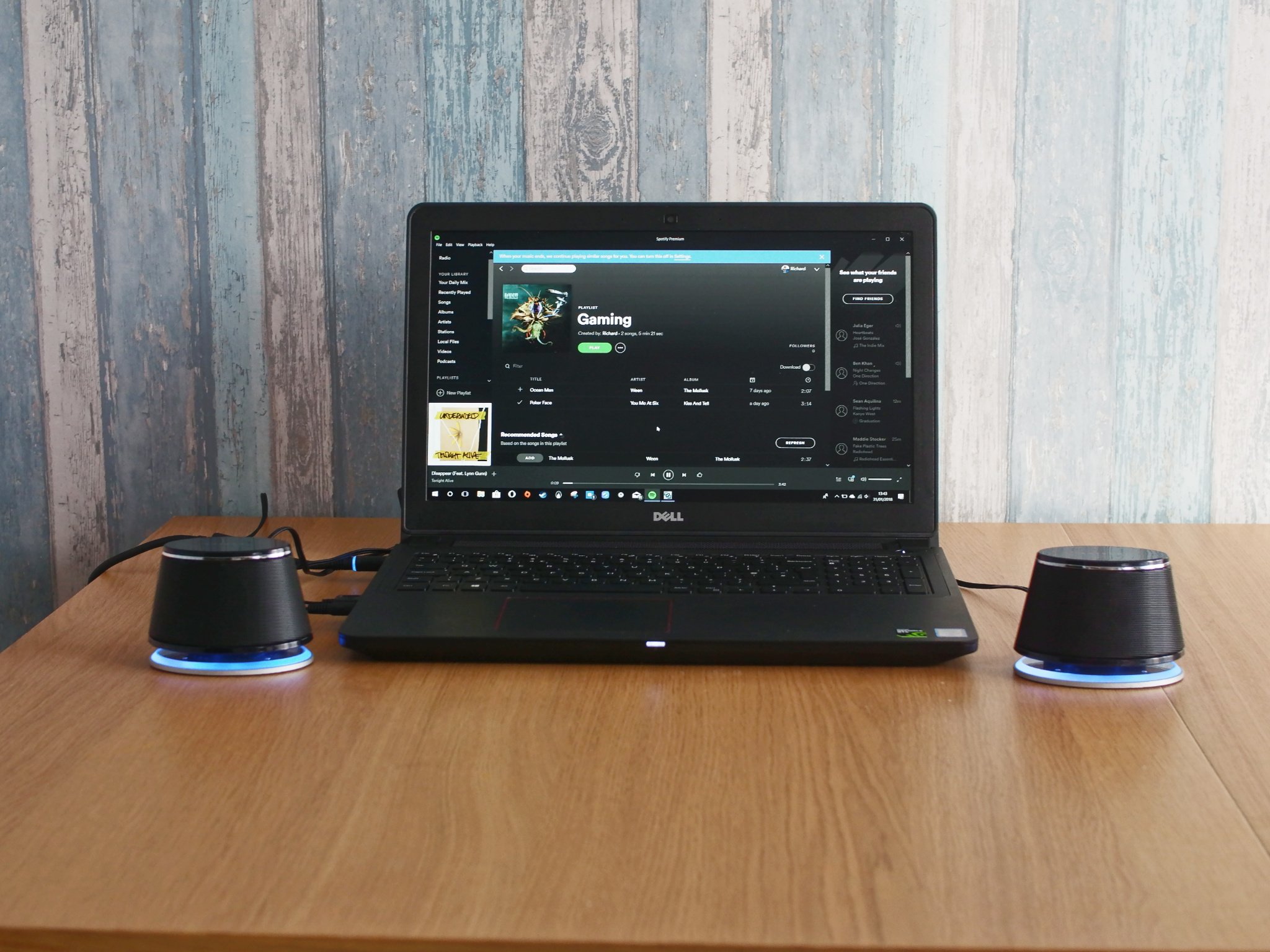
The Satechi Dual Sonic PC speakers look and sound great for under $30


Small, stylish speakers that sound good at a low, low price.
PC speakers come in all shapes and sizes, but when you're spending as little as possible it's not always easy to get a product that sounds and looks good.
Satechi designs a lot of its products with clean aesthetics in mind — you might even say that their designs are kind of Apple-like. The Dual Sonic Speakers I have here cost less than $30, can easily be used with a laptop or a desktop if space is at a premium, and (most important of all) don't sound terrible.
In fact, they actually sound pretty good.

Full story from the WindowsCentral blog...


from Windows Central Forums http://ift.tt/2ntxc5w
via IFTTT